
How to Search Placer County Court Records
The main tool is the Placer Superior Court Online Portal at webportal.placerco.org/ecourtpublic. The portal lets users look up criminal, civil, traffic, family, and probate matters filed in Placer County. No account is needed to search a public case. An account is only required for parties or attorneys who want to view full electronic case files under California Rule of Court 2.503. The portal warns that the data is not the official record and may have gaps, so check anything important against the file at the courthouse.
Before you start, have a few things on hand. You need a last name, a company name, or a case number. You also need a filing date or a date range that covers when the case was first filed. If you do not know the exact date, pick a wide range and narrow down. Case numbers must be entered with the right dashes and zeros.
- Open webportal.placerco.org/ecourtpublic and read the terms. Click to accept.
- Pick "Search for a Case" under Public Services (No Login Required), or use the Case Search menu to reach Case Search-EXT.
- Type a last name and first name, a last name plus an initial, a company name, or a full case number. Civil and family numbers look like S-CV-0000001, M-CV-0000001, S-FS-0000001, or S-DR-0000001. Criminal numbers start with 62 and seven digits, such as 62-0000001.
- Set a Filed date or date range. The range must include the case filing date or the case will not show up.
- Click Search. Use Clear to reset and try again.
- Click the case to see the summary and the register of actions. Parties and attorneys can log in for full document access where the rules allow it.
If a search fails, the court's own FAQ lists three fixes. Check that the Filed date is the date the case was first filed, not the date of a later filing. Confirm the case number format. Check the spelling of names. If the case still does not show, it may not be on the portal, and the clerk should be called.
The Placer Superior Court Online Portal
The Online Services hub at placer.courts.ca.gov/online-services/online-portal is the front door for case search, traffic payments, and account setup. The hub links to the public case search, the account login, the case access request form, and the portal FAQ.
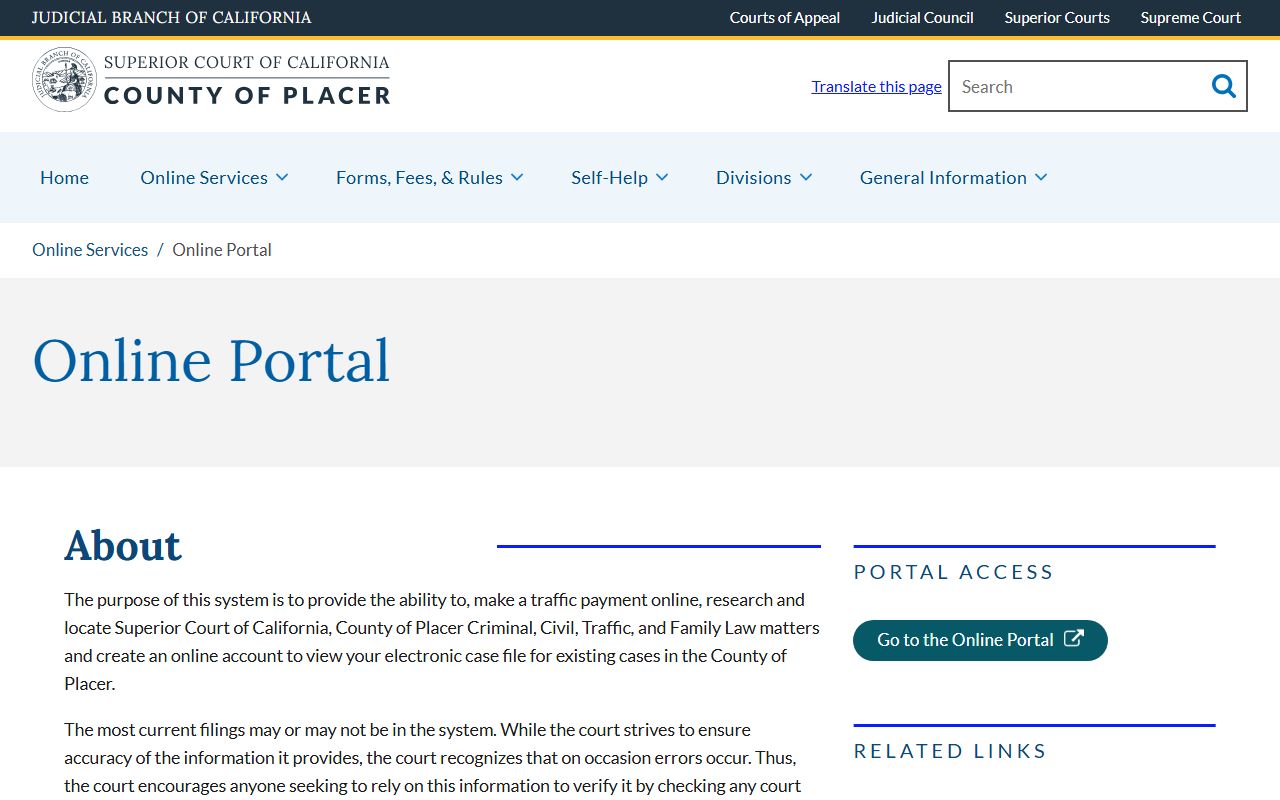
The portal page outlines the two paths most users take. The first path is the no-login public case search. The second path is the account-based path for parties and attorneys who need to view full case files. The court uses Zoom for video ID checks when a self-represented party asks for case access.
Placer County Court Records Search Fields
The eCourt Case Search-EXT form at webportal.placerco.org/ecourtpublic/?q=node/48 uses five core fields. Each text field has an operator dropdown that lets you pick equals, starts with, contains, soundex, and more. The Filed field is the only one marked required. The table below shows every field the form puts in front of the public.
| Field Label | Type | Required | Notes / Format |
|---|---|---|---|
| Last Name | Text with operator dropdown | No | Operators: equals, not equals, starts with, ends with, contains, not contains, soundex, in, not in, blank, not blank. |
| First Name | Text with operator dropdown | No | Same operator list. Search may use a full first name or just the first initial. |
| Company Name | Text with operator dropdown | No | Use for business or entity parties. Same operator list as the name fields. |
| Case Number | Text with operator dropdown | No | Civil/family: S-CV-0000001, M-CV-0000001, S-FS-0000001, S-DR-0000001. Criminal: 62-0000001. Keep dashes and zeros. |
| Filed | Date or date range | Yes | Presets include Today, Yesterday, This Week, Last Week, This Month, Last Month, This Quarter, Last Quarter, This Year, Last Year, Last 12 Months, Single Day, and User Select. |
A second portal tool, Find My Case Number or Citation Number, helps when only a name and a year are known. That form needs a Filed year (2006 through 2025 are listed), a last name, and an optional first name. It is the right tool when a court notice has been lost and the citation or case number is missing.
Types of Placer County Court Records
Placer Superior Court is the trial court of general jurisdiction for the county. All case types filed in the county pass through it, so the records you can pull span a wide range. Some are open to the public in full. Others have remote access limits under Rule of Court 2.503, even when the file itself stays open at the courthouse.
The civil page on the Superior Court site lists harassment, landlord and tenant, small claims, probate, workplace violence, elder abuse, and name change matters. Criminal cases are split into felonies, misdemeanors, and infractions. Family Court handles divorce, paternity, support, custody, and domestic violence restraining orders. Each type fills its own slot in the portal.
- Civil cases: lawsuits over money, contracts, property, and personal injury, plus small claims under the civil division.
- Criminal cases: felony, misdemeanor, and infraction matters charged by the District Attorney or law enforcement.
- Family cases: divorce, legal separation, paternity, child custody, support, and protective orders.
- Probate cases: decedents' estates, wills, guardianships of minors, and adult conservatorships.
- Traffic cases: citations and tickets, including pay-by-mail and trial by declaration files.
- Juvenile cases: justice and dependency files heard at the Juvenile Courthouse and sealed from public portal access.
- Mental health cases: civil commitments and related matters, not open to remote portal access.
Small claims files have a courthouse viewing cap. Placer policy lets the public pull five small claims files at a time, or up to 50 if a chronological run is needed. For deeper inmate and arrest detail tied to criminal cases, see the criminal records subpage.
What Placer County Court Records Show
A Placer case file holds a header with key data and a register of actions that lists every event in date order. The header gives the case number, the parties, the filing date, and the case type. The register shows the filings, hearings, minute orders, and outcomes. The table below sets out the main fields a portal user is likely to see on a public summary.
| Field | What It Shows |
|---|---|
| Case Number | Unique ID for the case. Civil/family use letter prefixes such as S-CV, M-CV, S-FS, or S-DR. Criminal cases start with 62. |
| Filing Date | The date the case was first filed with the clerk. Used by the portal to limit search results. |
| Case Title / Parties | The plaintiff, defendant, petitioner, or respondent names. Company names appear for entity parties. |
| Case Type / Division | Civil, criminal, family, probate, traffic, juvenile, mental health, or small claims label. |
| Status / Disposition | Open, closed, dismissed, judgment entered, transferred, stayed, or sealed. |
| Register of Actions | Date-by-date list of filings, motions, orders, minute orders, and hearings. |
| Hearings | Date, time, department, hearing type, and judicial officer when shown. |
| Financial Fields | Filing fees, fee waivers, fines, restitution, bail, and traffic balances owed. |
| Documents | Where access is allowed, links to filed papers. Civil and probate documents are stored from August 28, 2017 forward. |
Some data is held back. Social Security numbers, bank account numbers, minor names, protected addresses, and medical or mental health details are redacted. Sealed items do not show up at all.
Public Access Framework for Placer Court Records
Two tracks govern access. County agency records, such as Sheriff administrative files, fall under the California Public Records Act, recodified at Government Code § 7920.000 and the following sections. Court case files fall under the California Constitution, the Rules of Court, and case-type confidentiality statutes. Placer Superior Court's own policy says all documents in a court file are public unless made confidential by statute, rule, court order, or case law.
Three Rules of Court matter most. Rule 2.400 says only the clerk may handle the file and that the public views records in the clerk's office. Rule 2.503 sets the remote-access limits the Placer portal relies on. Rule 2.550 governs sealed records and the findings a judge must make to seal them. Remote access is always narrower than courthouse access.
Anyone may search. No ID is needed for the public name search. ID is needed when a party or attorney wants full case file access. The Clerk of the Superior Court runs the request and copy desk. Plain copies are $0.50 a page, a certified copy is $40, and a name search that takes a clerk more than 10 minutes triggers a $15 fee under the court's adopted schedule. See the Clerk of the Superior Court page for the full fee list and request paths.
Note: Online case data is not the official record. Always check key facts against the certified file held by the Clerk of the Superior Court.
Tips for a Faster Search
A few small habits cut search time in half. The portal is fussy about case numbers. It is also fussy about dates. Soundex on the Last Name field can help when a name is spelled in more than one way, such as Smyth versus Smith. The court home page at placer.courts.ca.gov links to the portal, judicial assignments, and forms.
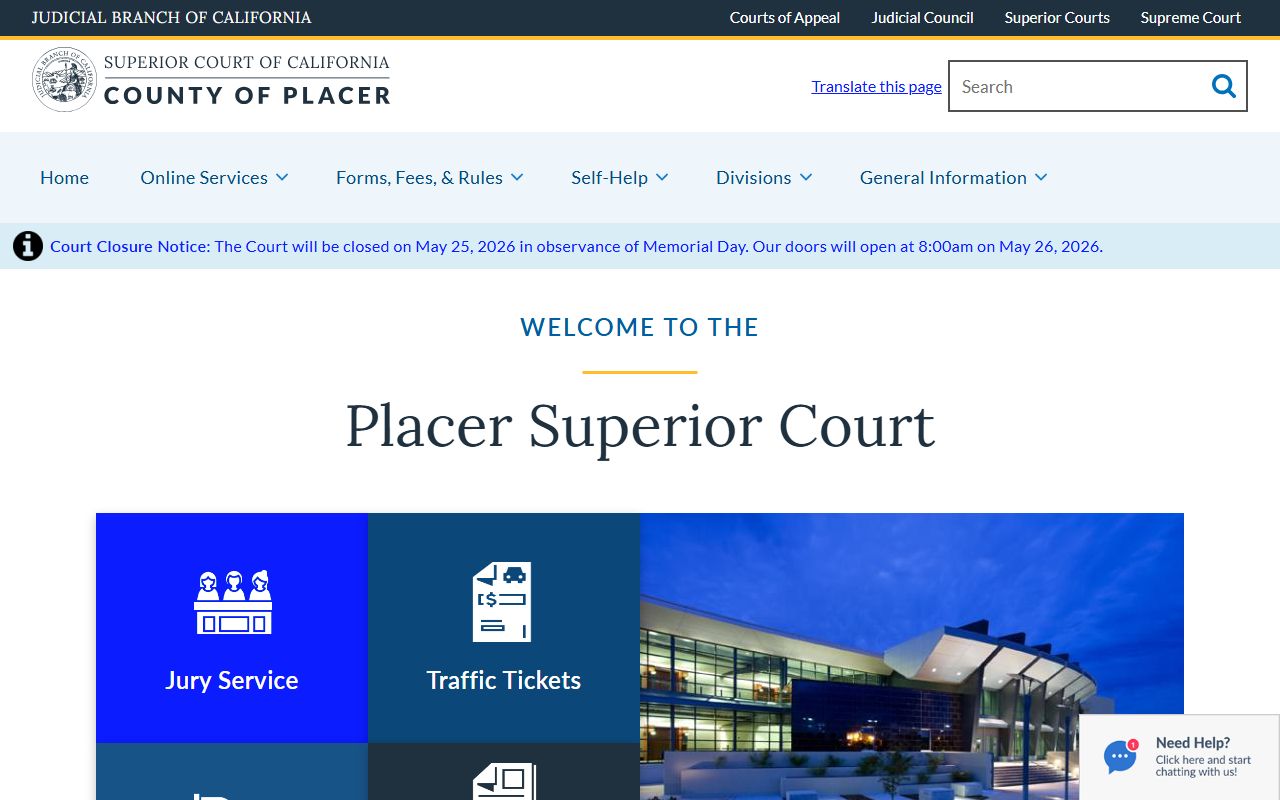
The home page also links to the Self-Help Center, the Records and Copy Request form (PL-CW001), and the contact list for each courthouse. New users should bookmark it. It is the fastest path to forms, judicial calendars, and clerk hours.
Records Sealed or Confidential in Placer County
Several case types are blocked from public portal access by rule. Juvenile justice and dependency files are confidential under Welfare and Institutions Code § 827 and Rule of Court 5.551. Adoption records are confidential under Family Code § 9200. Mental health proceedings, search warrants, and Ramey warrants are listed by the Placer portal FAQ as off-limits for remote portal access. Sealed cases of any type also stay off the portal.
Family Code matters such as divorce, separation, custody, and support are open at the courthouse but limited online. Guardianship and conservatorship files are open in part but have remote access caps. Criminal documents are courthouse-only for the public under Rule 2.503(c), with rare exceptions a presiding judge may grant. Personal identifiers in any case type are redacted by court rule and state law.
Sealing in California works through court order. To view a sealed record, a person must file a noticed motion to unseal in the case where the record sits. The judge weighs the right of access against the reason for sealing. To clear a criminal conviction off the record, the common path is dismissal relief under Penal Code § 1203.4. Arrests without a conviction may qualify for sealing under Penal Code § 851.91. The Placer Self-Help Center is the starting point for forms and steps.
In-Person Court Record Requests
The main records counter is in Roseville. Walk-ins fill out the Records and Copy Request form, PL-CW001, hand it to the clerk, and pay the fee. A photo ID helps speed name lookups. Mail requests use the same form. Plain copies are $0.50 a page, certified copies are $40 each, and a signature authentication is $15.
Hon. Howard G. Gibson Courthouse
10820 Justice Center Drive
Roseville, CA 95678
(916) 408-6000
Mon-Fri, 8:00 a.m. to 4:00 p.m.
The Historic Courthouse in Auburn at 101 Maple Street also has a clerk's office for family law, trials, and civil law and motion files. The Juvenile Courthouse at 11270 B Avenue in Auburn holds juvenile files but does not release them to the public.